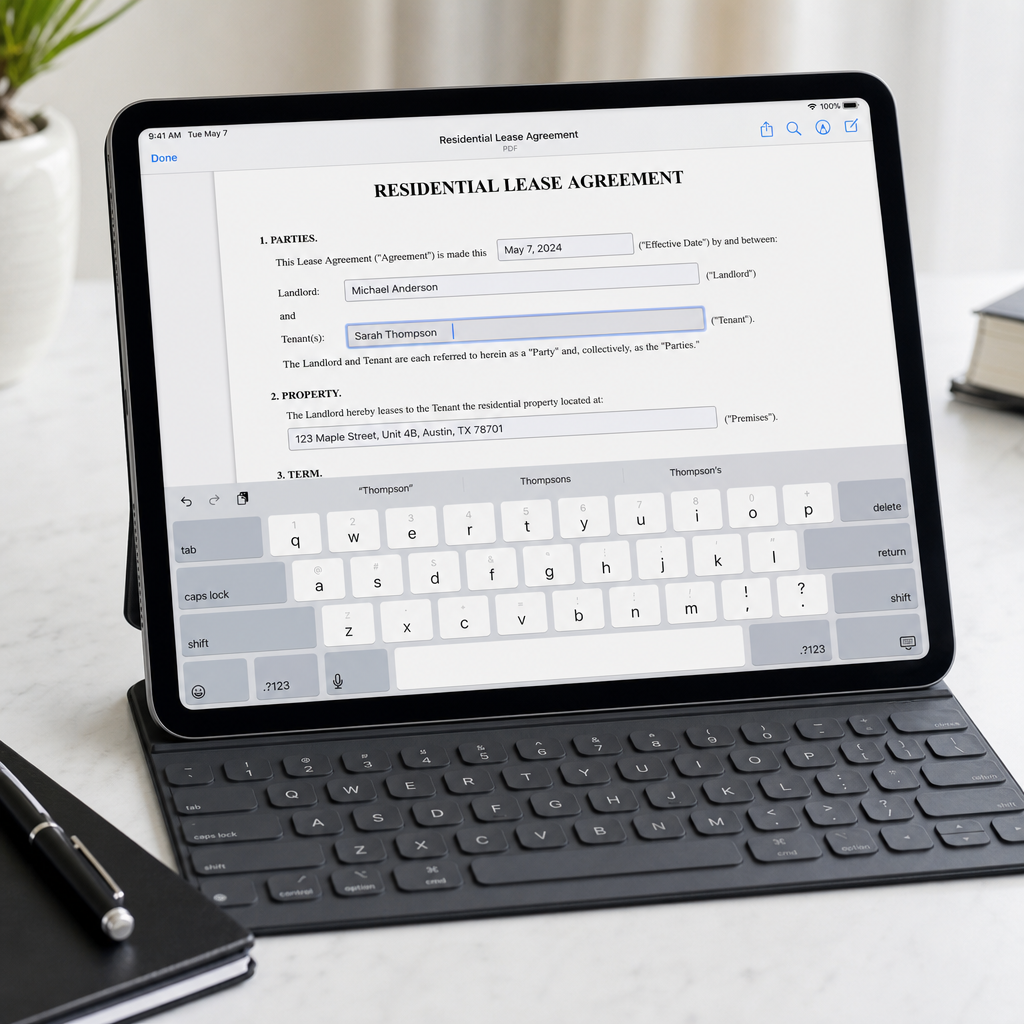
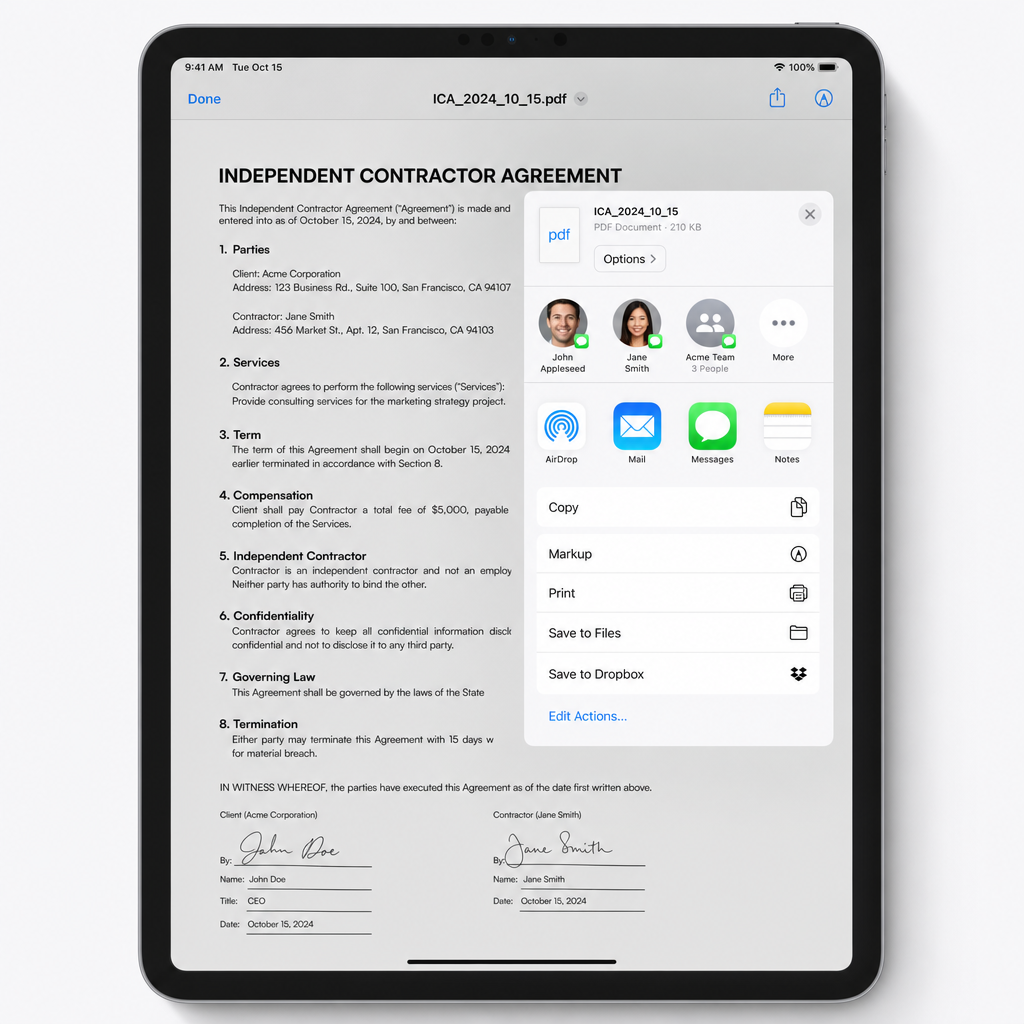
Not just basic markup. We detect PDF fields for fast and accurate data entry.
Fully On-Device
Your sensitive documents never leave your device. Complete and utter privacy.
No Subscriptions
Tired of SaaS traps? Core features are free, and upgrades are pay-once-use-forever.
Universal App
Download once and use seamlessly across both your iPhone and iPad.
How it works
It takes seconds to complete your paperwork. No messy accounts.
1. Open a PDF
Import directly from Mail, Files, iCloud, or any app on your device seamlessly.
2. Sign it
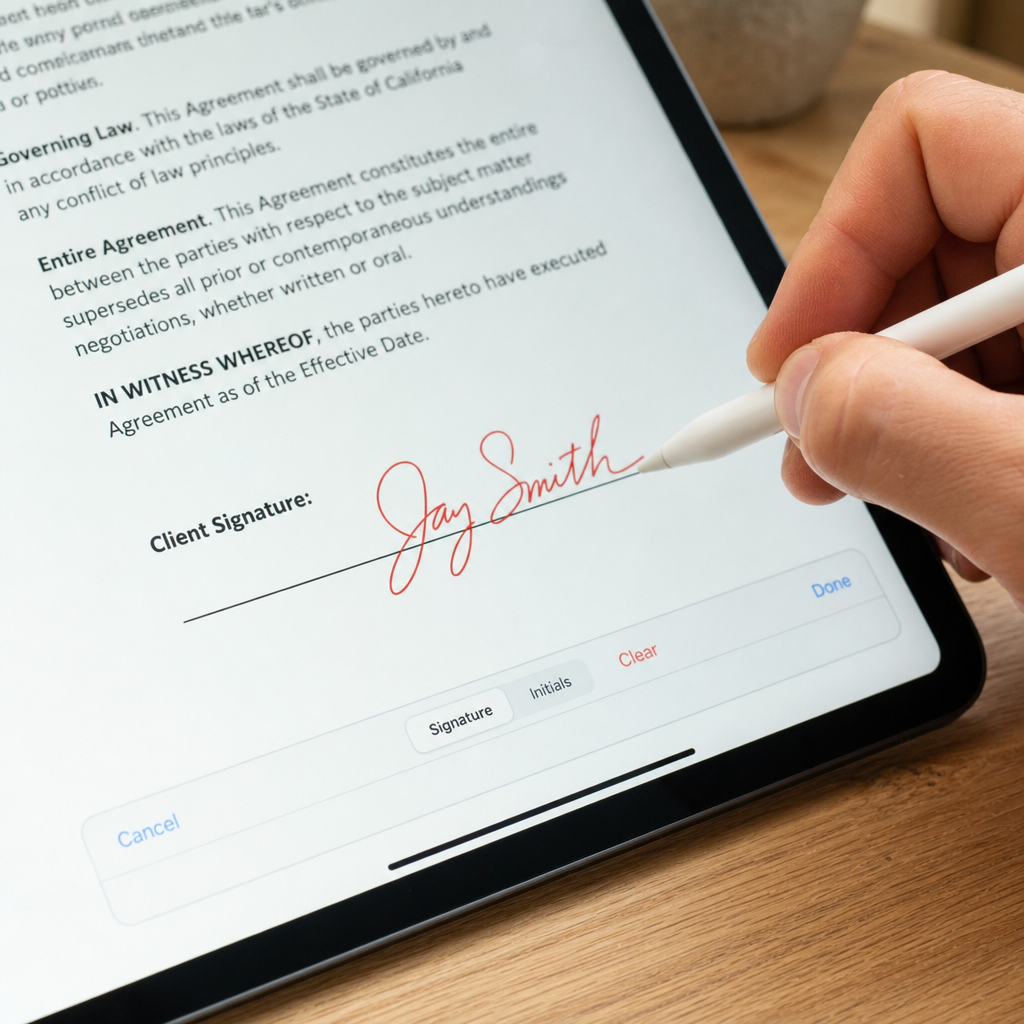
Fill in fields, draw your signature with your finger or Apple Pencil, and save it.
3. Send it
Export as a flattened PDF. Email it, print it, or save it back to Files instantly.
A crafted experience
Designed specifically for iOS devices, focusing on speed and clarity.
Simple, transparent pricing
The core app is absolutely free. For power users, we offer lifetime upgrades. No subscriptions.
SignMyPad Free
$0
Everything you need to get started.
Open from Files, Email, Cloud
Fill real form fields
Sign with finger or Pencil
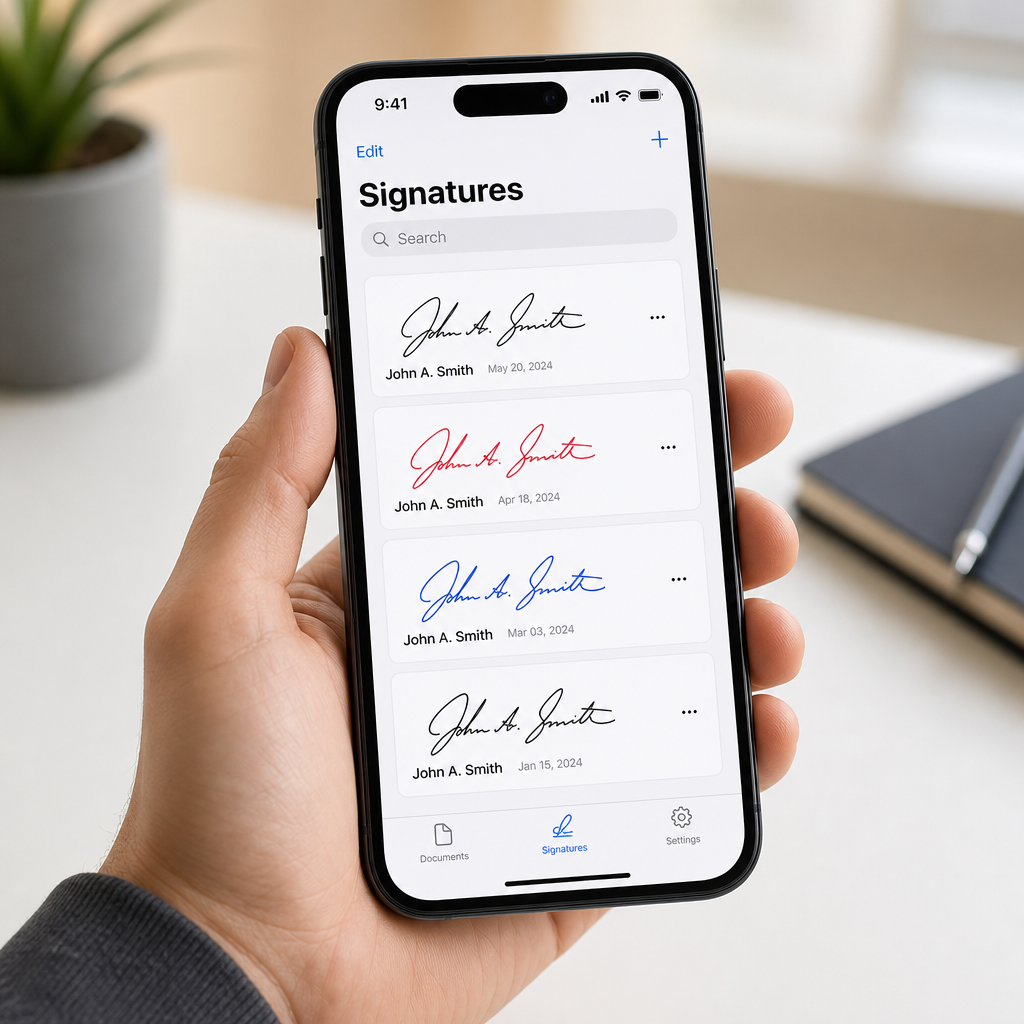
Saved signatures
Flatten & export
Pro
SignMyPad Pro
$17.99
One-time purchase.
All Free features
Red-ink signatures
Date, time & location metadata
iCloud sync
SignMyPad Business
$24.99
One-time purchase.
All Pro features
Company logo & letterhead
Reusable business fields
Bulk export
Frequently Asked Questions
SignMyPad is a free iPhone and iPad app built specifically for filling out, signing, and sending PDFs. You open a document, drop in your signature, and send it — no account required. It's a good fit if you want something fast and private that doesn't lock core signing behind a subscription.
SignMyPad lets you sign PDFs with no subscription at all. The app is free to download and sign with, and the optional upgrades (Pro and Business) are one-time purchases rather than recurring fees. You sign with your finger or Apple Pencil and export the finished document by email, Files, AirPrint, or the share sheet.
In SignMyPad, open the PDF and tap directly on its form fields to type text, check boxes, and select radio buttons. Unlike basic markup tools that only let you draw on top of a page, SignMyPad fills the actual PDF form fields, so the finished document looks properly completed.
Yes — SignMyPad works entirely on your device. There's no account to create and no cloud server processing your documents; your files stay with you. That makes it a strong choice for anyone who needs to sign sensitive paperwork privately.
Open the PDF in SignMyPad, sign it with your finger or Apple Pencil (or reuse a saved signature), place it where you want, then flatten and send it by email, save it to Files, print it via AirPrint, or share it. The whole flow takes seconds.
Yes. SignMyPad supports signing with either your finger or an Apple Pencil on iPad, and you can save signatures and initials to reuse across documents.
Yes — SignMyPad is a universal app that runs on both iPhone and iPad.
Yes. SignMyPad opens PDFs through the iOS Files app, which includes iCloud Drive, Dropbox, Google Drive, OneDrive, and Box, as well as from email and other apps via the share sheet.
The free app covers open, fill, sign, and send. SignMyPad Pro ($17.99, one-time) adds red-ink signatures, the signing date/time and location recorded in the PDF's metadata, and iCloud sync across your devices. SignMyPad Business ($24.99, one-time) includes everything in Pro plus company logo/letterhead stamping, reusable business fields, and bulk export. All upgrades are one-time purchases — there is no subscription.
Yes. With SignMyPad Pro, iCloud sync keeps your documents and signatures up to date across all your devices signed into the same Apple ID — sign a PDF on your iPhone and it's there on your iPad. Syncing uses your own private iCloud storage, so your files stay yours, and it's included in the one-time Pro upgrade with no subscription.
Some legal and notarized documents are expected to be signed in a color other than black to distinguish an original signature from a photocopy. SignMyPad Pro includes red ink for exactly this reason.
Yes, SignMyPad is free to download and use for filling out, signing, and sending PDFs. Optional Pro and Business features are available as one-time in-app purchases with no subscription.